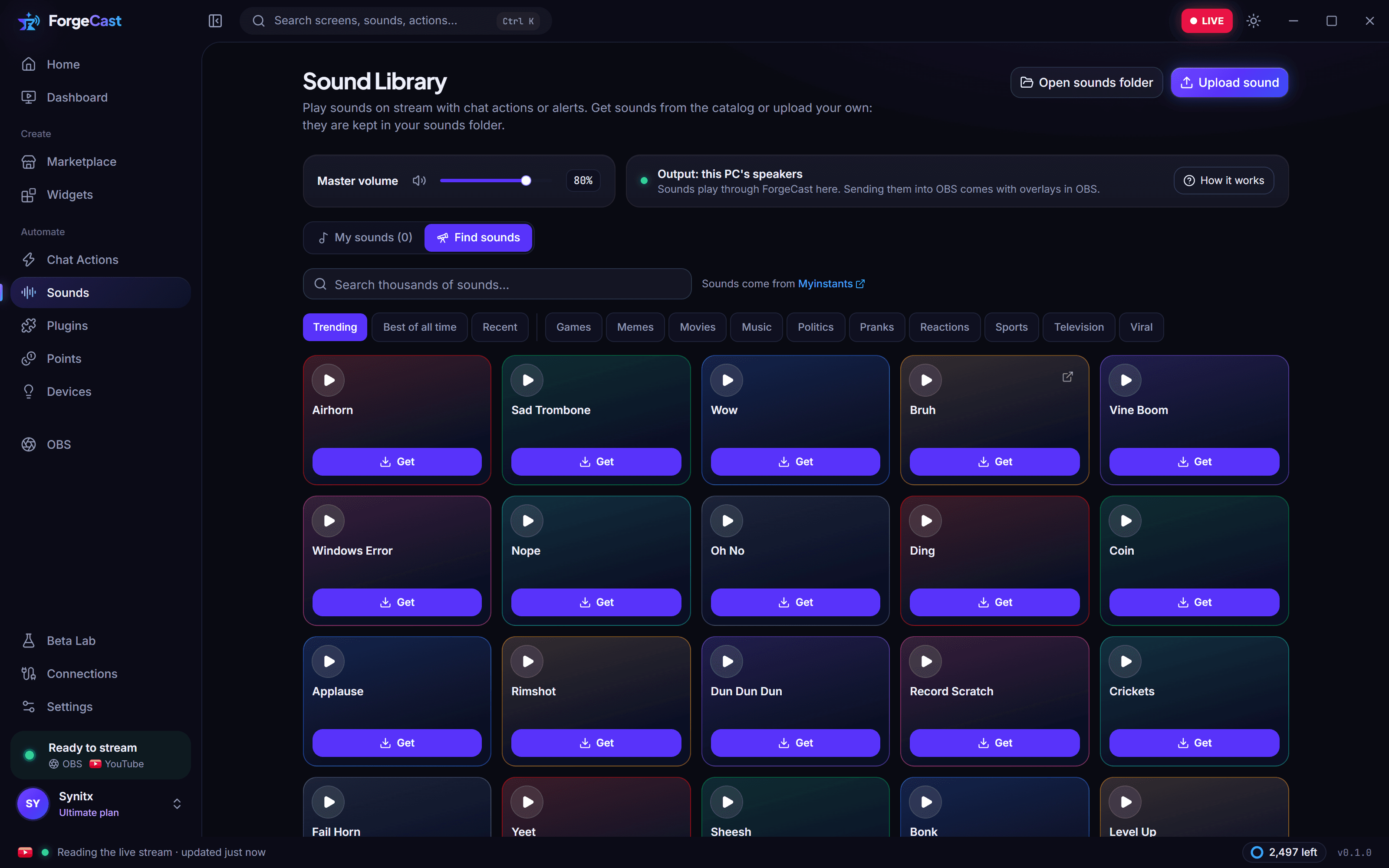
Sound library
Thousands of sounds to find, trim and play, or upload your own. Chat can trigger them too.
For YouTube streamersWindows & macOS
Overlays, alerts, live chat and chat actions in one app that runs next to OBS. Press Use and it's on stream: nothing to copy, nothing to paste.
Works with
The film
01Alerts · Live chat · Stats
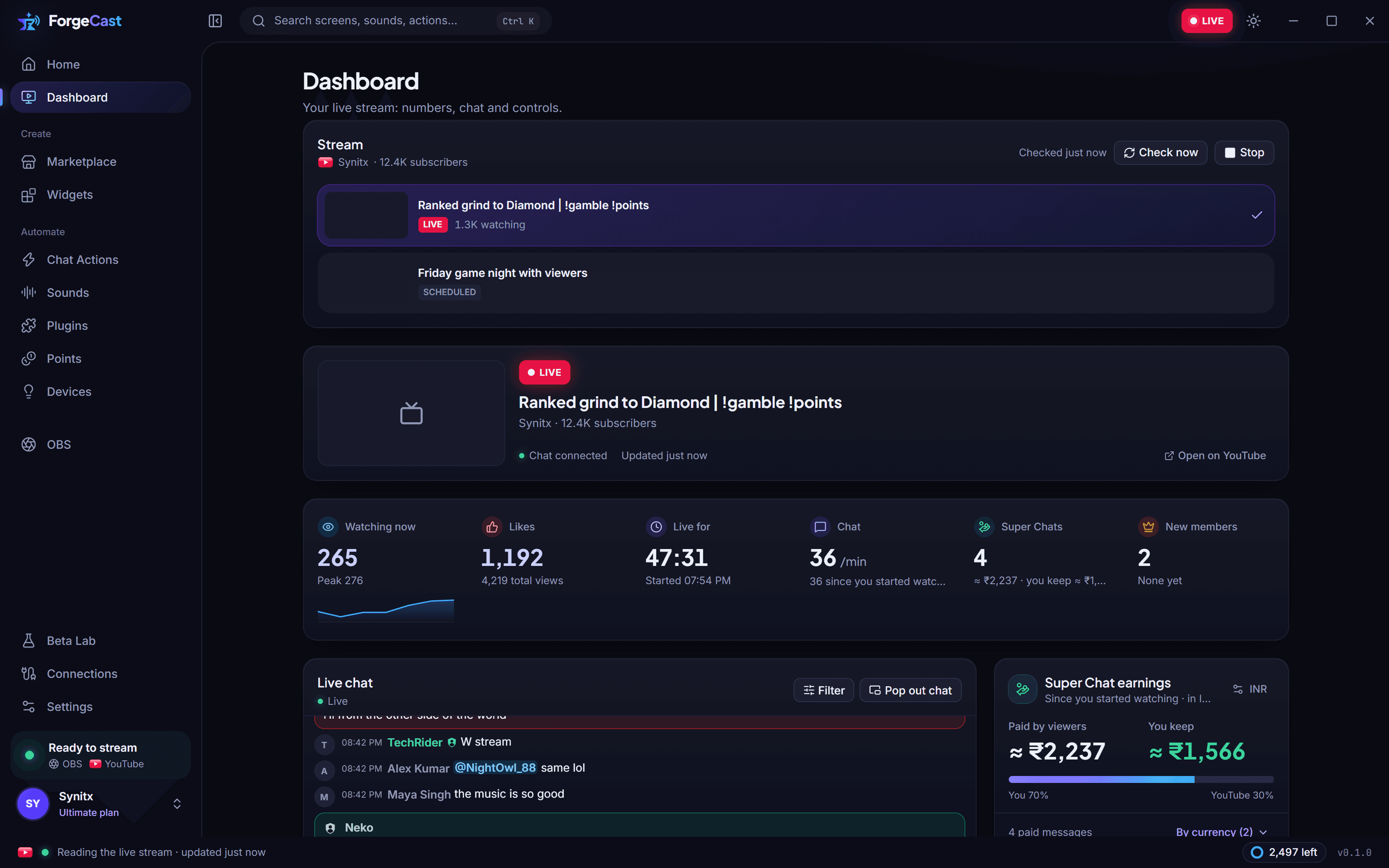
Chat, Super Chats, members and gifts arrive the second they happen, and land on stream as alerts with sound. You see what you keep after YouTube's share, in your own currency.
02Chat actions
Turn !commands, keywords and Super Chats into points, sounds, scene switches and overlay effects. Describe it in a sentence and the flow builds itself; test it before you go live.
03Overlays & widgets
Press Use and ForgeCast adds the overlay or widget to the scene you have open. No links to copy, no browser sources to set up, and Remove takes it out again.
04Plugins
Plugins add buttons, pages, Dashboard sections, right-click menu items and chat tools. Install them from the marketplace, or write your own in a few lines.
And everything around it
Thousands of sounds to find, trim and play, or upload your own. Chat can trigger them too.
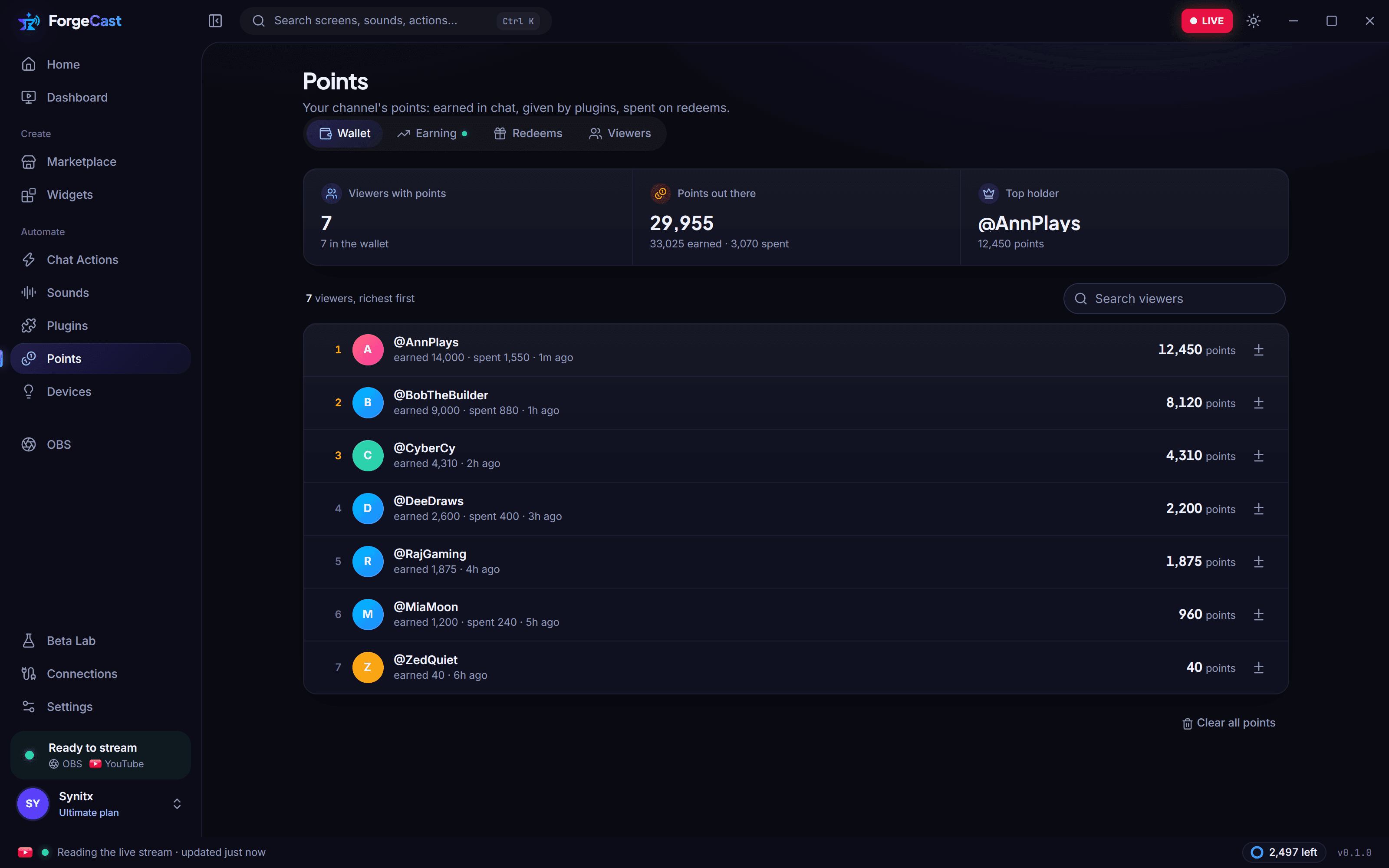
Viewers earn points by chatting and supporting, then spend them on sounds, alerts and scenes.
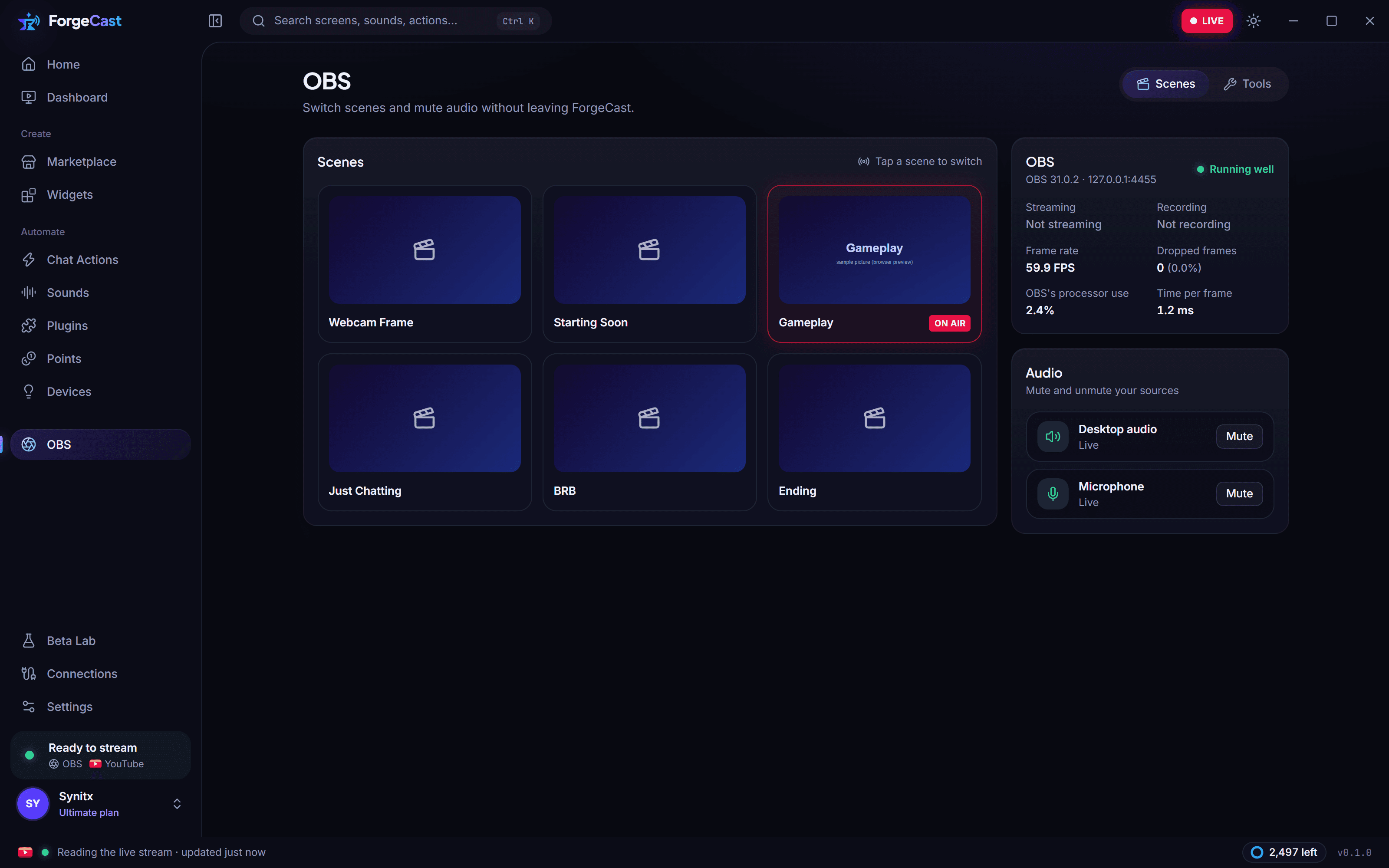
Switch scenes and mute your mic or desktop audio without leaving ForgeCast.
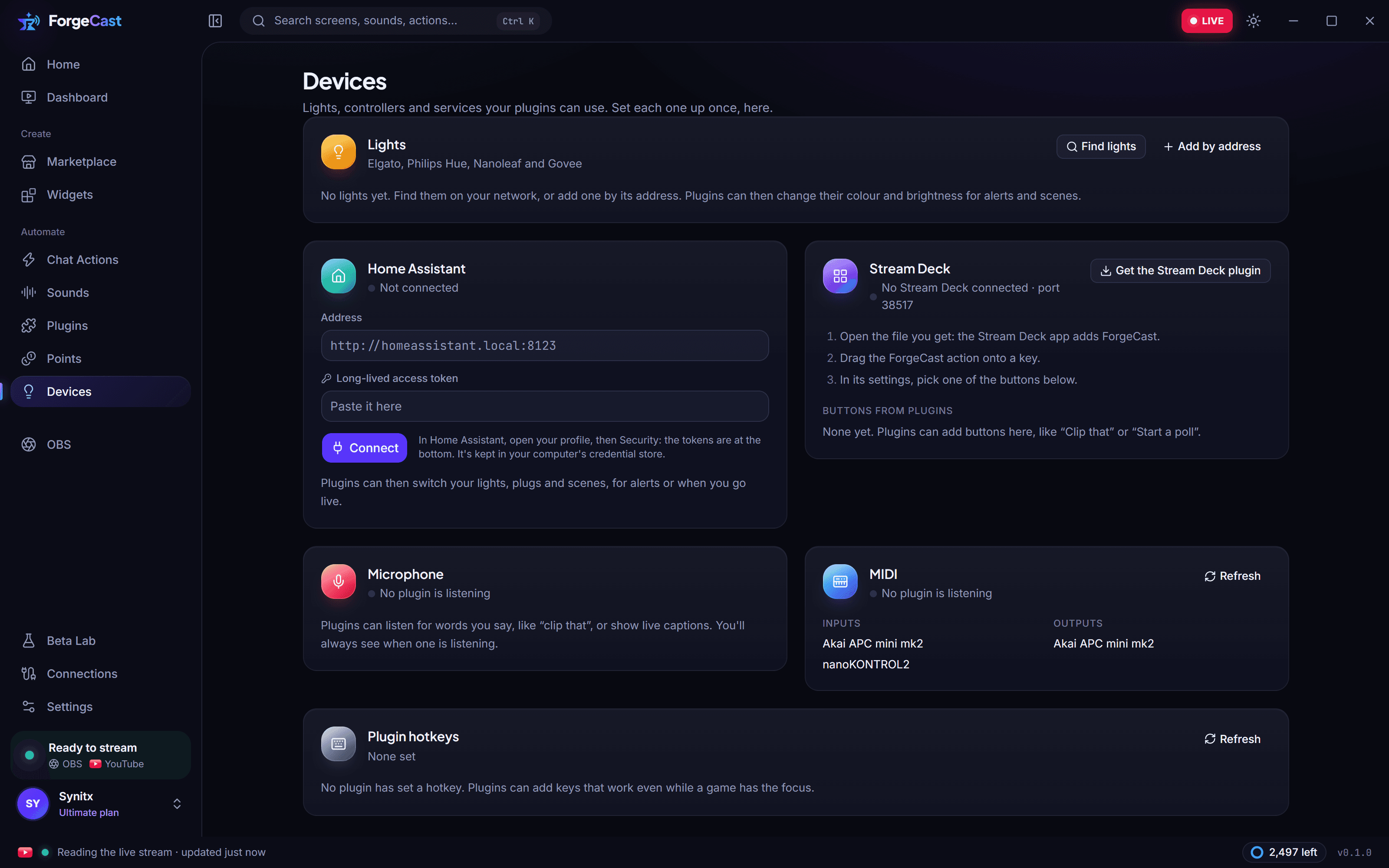
Buttons for your Stream Deck, and Elgato, Hue, Nanoleaf or Govee lights that react to your stream.
Stream titles, chat summaries, translations and a report after every stream.
Goal bars, countdowns, counters and chat boxes in many styles.
Your phone becomes a soundboard and scene switcher.
Chat in its own window, on top of your game.
Fire sounds, scenes and actions from any app.
Marketplace
Pick a look, add it to your library, press Use in the app. Your live numbers fill it in.
Pricing
Every plan gets the whole desktop app. Paid plans add the Editor, plugins and more of the marketplace.
Everything you need to get a stream looking great.
Included
Make it yours: build and customize your own overlays.
Everything in Free, plus
For creators who want it all.
Everything in Pro, plus
FAQ
Start on the Free plan. Set up in minutes, on Windows and macOS.